Comfy Bridge turns a ComfyUI workflow into an iNodes node. Your workflows, past and future, then work in Resolve, Fusion, Nuke, Flame, Blender and Houdini, like any model in the catalog.
A universal bridge
You build your workflow once, in ComfyUI. iNodes converts it, and the same node shows up in each of your software, with its settings and its inputs.
It runs on your own ComfyUI server: your models, your custom nodes, your graphics card. This server must stay connected while you generate.
What you need
- A recent version of ComfyUI, with its App mode.
- Your server's address, entered in the app's Comfy tab.
- Your workflow, already working in ComfyUI.
The number of workflows, inputs and outputs depends on your plan: the app tells you in its Comfy guide.
In three steps
- In ComfyUI, choose your workflow's inputs and output, then export it.
- In iNodes, name your node, drop in the two files, then convert and connect.
- In your software, add the new node and generate.
Build your node covers each step, and Inputs and outputs says what the bridge accepts today.
The video tutorial
The whole journey in under two minutes, on our YouTube channel.
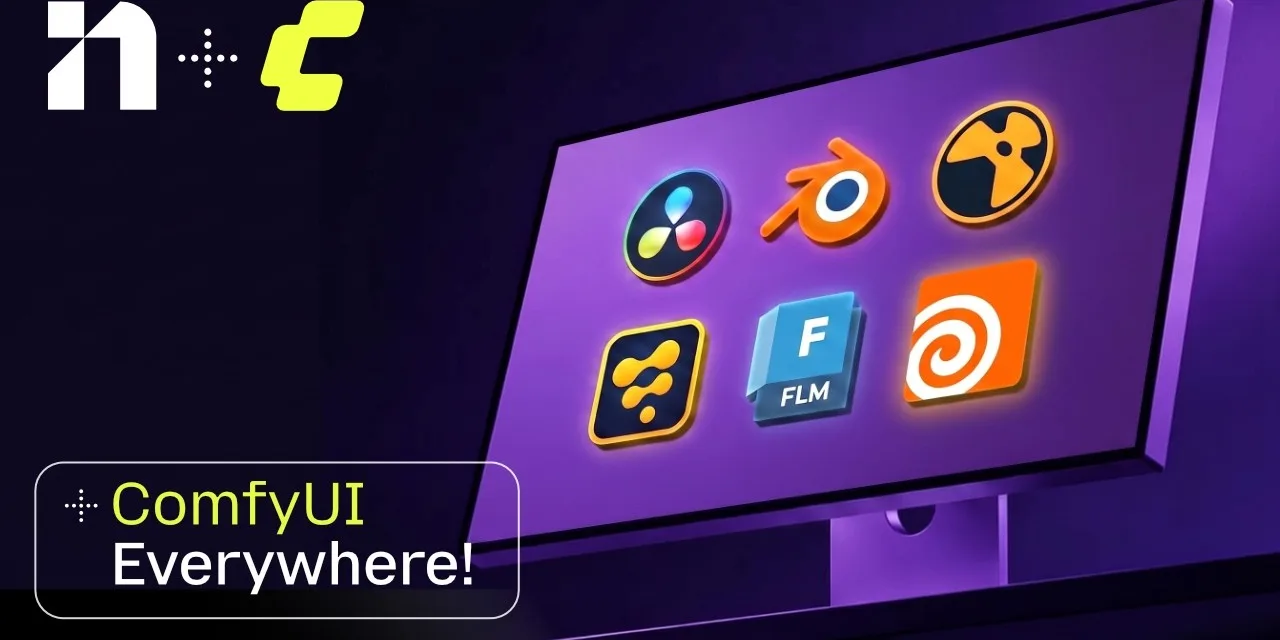 Video tutorial · 1:44Comfy Everywhere: your workflow as a node, in all your software